CargoNavi
Cargo Bike Navigation System
THEME
Vehicle
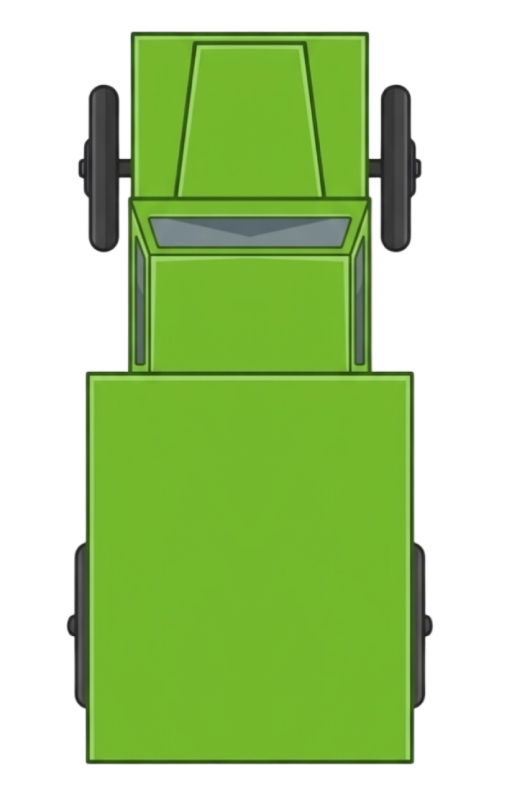
FRANKY
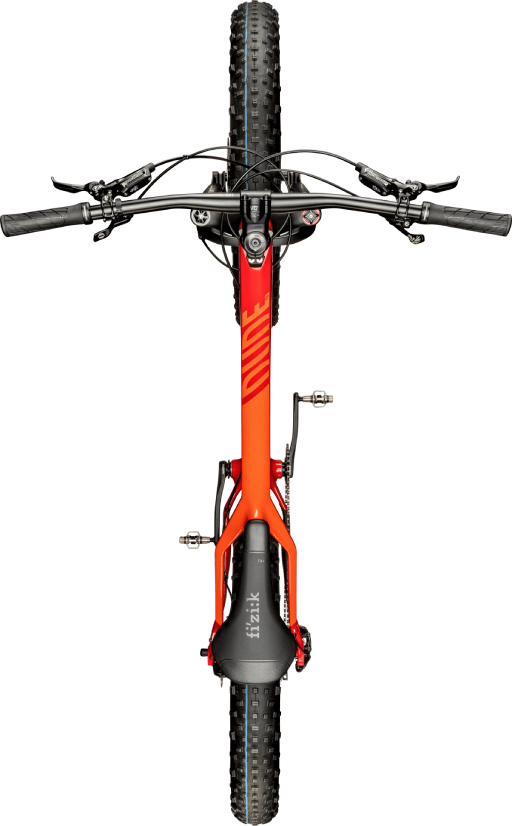
Mountain Bike
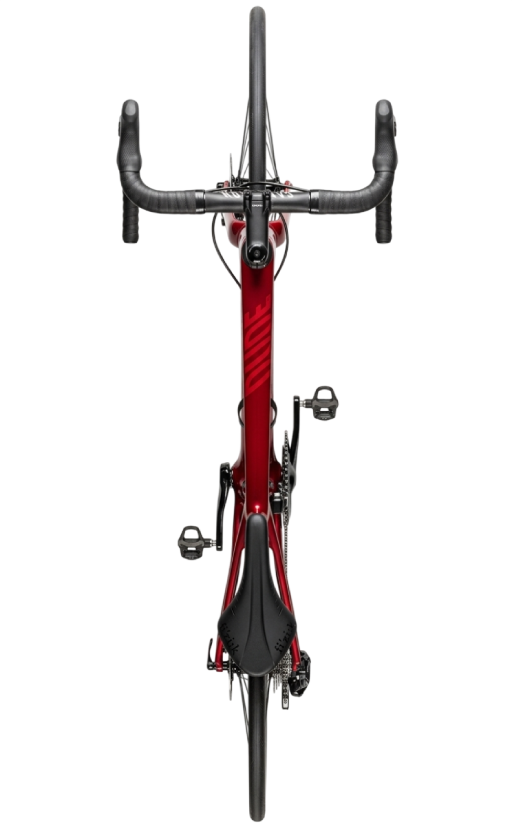
Racing Bike
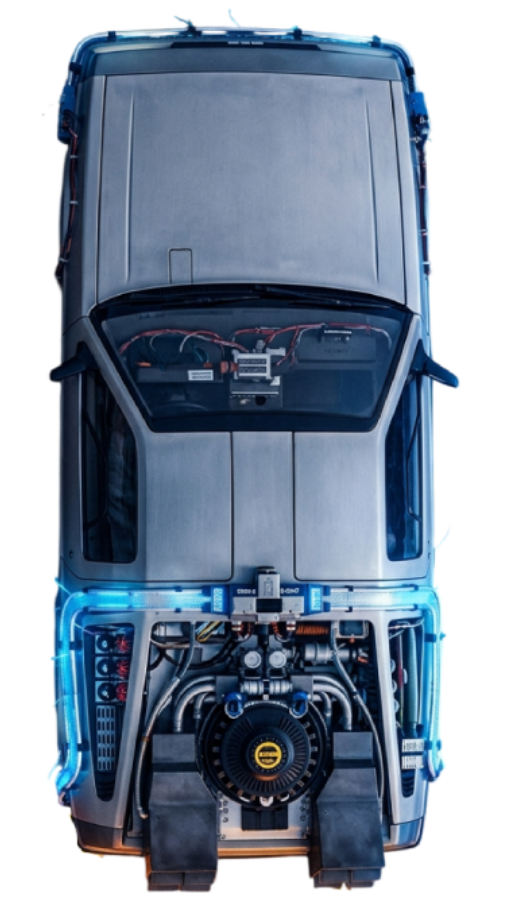
DeLorean
Routing Profile
Vehicle Dimensions
Options
Avoid Highways
Show Elevation
Custom Speed
km/h
Leave empty for profile default speed
30x
1x = real-time | Higher = faster animation
Voice Navigation
Voice Navigation
Volume
100%
Speed:
Route Info
—
DISTANCE
—
EST. TIME
—
ASCENT
—
DESCENT
GPX — Komoot, Garmin, OsmAnd
KML — Google Maps, Earth
TCX — Strava, Garmin Connect
Google Maps — Navigation
CSV — Daten-Tabelle
Not connected
Token is stored encrypted locally. Get yours at twitchtokengenerator.com
Auto-Connect
Chat
No messages yet
Pending Queue 0
No pending waypoints
Community Route
No waypoints approved yet
—
KM
—
TIME
Settings
Bad-Word Filter
Address Validation
Auto-Approve
POI Layers
⚡ EV Charging Stations
⛺ Camping/Sleeping Places
Tourist Attractions